kanade プライバシーポリシー
施行日:2026年11月11日 開発者:Takashi Shigenaga
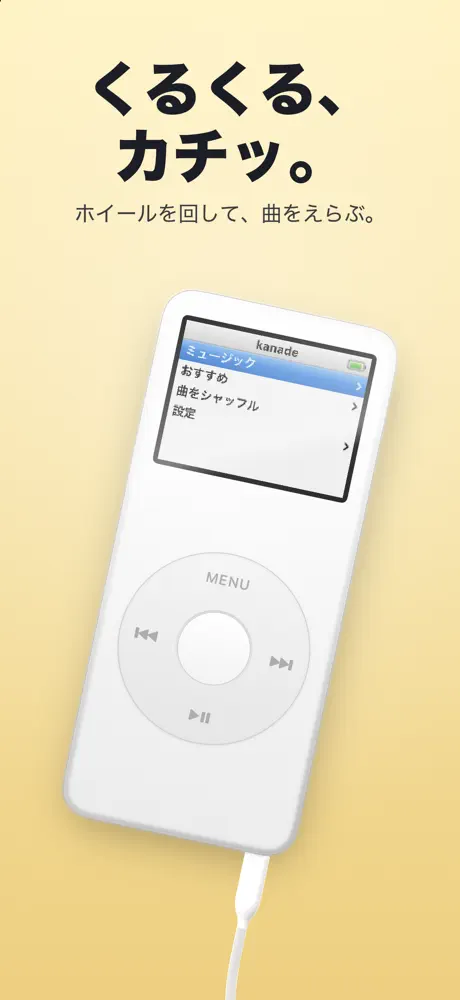
「kanade: Retro Music Player」(ホーム画面の名前は「kanade」。以下「本アプリ」)は、画面の中の小さなプレイヤーのホイールを回して、Apple Music やミュージックライブラリの曲を聴く iOS アプリです。開発者は利用者の個人情報を収集しません。本アプリには広告も、利用状況を調べる解析ツールもありません。このページでは、本アプリが扱うデータと、その取り扱いについて説明します。
1. 開発者が収集する情報
開発者は、氏名・メールアドレス・電話番号・位置情報・連絡先・写真などの個人情報を収集しません。本アプリにアカウント登録はなく、開発者が利用者のデータを受け取るサーバーもありません。どの曲を聴いたかといった情報が開発者に送られることもありません。
2. Apple Music とミュージックライブラリ
本アプリは、Apple の MusicKit を使って曲を探し、再生します。初めて使うときに、iOS の「メディアと Apple Music」へのアクセスの許可をたずねます。
- 許可すると、本アプリはライブラリのプレイリスト・アーティスト・アルバム・曲、最近再生した項目、Apple Music のおすすめを読み込み、画面に表示して再生します。
- これらの読み込みと再生は、Apple のサービス(Apple Music)との間で行われ、Apple のプライバシーポリシーに従って Apple が取り扱います。開発者がこれらの情報を受け取ることはありません。
- Apple Music に登録していない場合、本アプリは Apple の画面で Apple Music への登録を案内することがあります。登録の手続きは Apple が行います。
- 許可はいつでも iOS の設定(プライバシーとセキュリティ > メディアと Apple Music)で変えられます。
Apple のプライバシーポリシー:https://www.apple.com/legal/privacy/
3. 端末内に保存するデータ
本アプリは、次のデータを利用者の端末内にのみ保存します。
- 設定(本体の色、置き方、背景、傾けると回るかどうか、裏の刻印に入れた言葉)
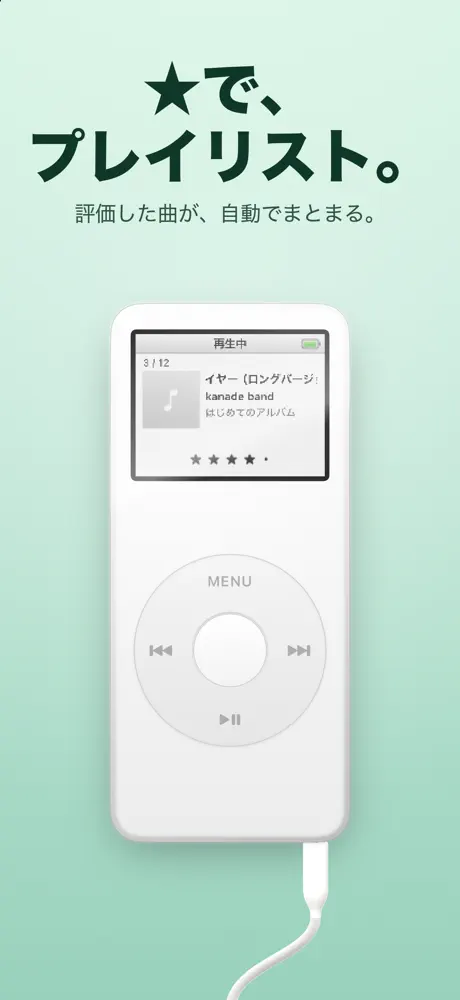
- 曲につけた★の評価(★のプレイリストを作るため。曲の識別番号と曲名など)
- さいごに再生していた曲の並び(曲の識別番号)と、止めた位置
- ホーム画面のウィジェットとロック画面の表示に使う、さいごに再生していた曲の情報(曲名・アーティスト名・アルバム名・再生位置)と、小さなアートワークの画像
これらは端末の外へ送信されません。ウィジェットとロック画面に表示するため、同じ端末の中で本アプリとウィジェットの間で共有します。本アプリを削除するとこれらのデータも削除されます。端末の設定によっては iCloud バックアップやパソコンへのバックアップに含まれることがあります。
4. ロック画面とウィジェット
本アプリは、再生中の曲をロック画面とダイナミックアイランド(ライブアクティビティ)、ホーム画面のウィジェットに表示します。表示される内容(曲名・アーティスト名・アルバム名・アートワークなど)は、端末をロックしていても画面に見えることがあります。ライブアクティビティは iOS の設定で表示しないようにできます。
5. 端末の機能へのアクセス
- モーションセンサー:設定で「傾けると本体が少し回る」をオンにしているあいだ、iPhone の傾きを読み取り、画面の中の本体を少し回すためだけに使います。傾きの情報は保存も送信もしません。
- 電池の残量:ウィジェットの液晶の電池の表示に使います。保存するのはおおよその値だけで、送信はしません。
- 本アプリは、カメラ・マイク・写真ライブラリ・位置情報・連絡先・通知の許可を求めません。
6. インターネット通信
本アプリがインターネットに接続するのは、Apple Music の曲や情報の読み込みと再生、アートワークの画像の読み込み(どちらも Apple のサーバー)のためだけです。設定の「ほかのアプリ」を押すと、App Store が開きます。
7. 購入
本アプリの購入と支払いは Apple の App Store を通じて行われ、開発者がクレジットカードなどの支払い情報を受け取ることはありません。Apple Music の登録と支払いも Apple が取り扱います。
8. お子さまの利用
開発者がお子さまの個人情報を収集することはありません。
9. プライバシーポリシーの変更
本アプリの機能追加などにより取り扱いが変わる場合は、このページを更新してお知らせします。重要な変更がある場合は施行日を改めます。
10. お問い合わせ
本ポリシーに関するご質問は、次の連絡先までお寄せください。
メール:questandarena2024 @ gmail.com
kanade — Privacy Policy
Effective: November 11, 2026 · Developer: Takashi Shigenaga
kanade: Retro Music Player (shown as “kanade” on the Home Screen; the “App”) is an iOS app in which you spin the wheel of a little on-screen player to listen to songs from Apple Music and your music library. The developer does not collect your personal information. The App contains no ads and no analytics. This page explains what data the App handles and how.
1. Information the developer collects
The developer does not collect personal information such as your name, email address, phone number, location, contacts or photos. The App has no account registration, and there is no developer server that receives your data. Information such as which songs you listen to is never sent to the developer.
2. Apple Music and your music library
The App uses Apple’s MusicKit to browse and play music. The first time you use it, the App asks for permission to access “Media & Apple Music” in iOS.
- If you allow access, the App loads your library’s playlists, artists, albums and songs, your recently played items and Apple Music recommendations, shows them on screen and plays them.
- This loading and playback takes place between your device and Apple’s service (Apple Music) and is handled by Apple under Apple’s Privacy Policy. The developer does not receive this information.
- If you are not subscribed to Apple Music, the App may show Apple’s screen inviting you to subscribe. Subscription is handled by Apple.
- You can change this permission at any time in iOS Settings (Privacy & Security > Media & Apple Music).
Apple Privacy Policy: https://www.apple.com/legal/privacy/
3. Data stored on your device
The App stores the following data only on your device:
- Settings (body color, stance, background, whether tilting the iPhone turns the player, and the words engraved on the back)
- Star ratings you give songs (to build the star playlists; song identifiers and titles)
- The order of the songs you last played (song identifiers) and where you stopped
- Information about the last song you played (title, artist, album, playback position) and a small artwork image, used by the Home Screen widgets and the Lock Screen
This data is never sent off your device. It is shared on the same device between the App and its widgets so they can be shown on the Home Screen and Lock Screen. Deleting the App deletes this data. Depending on your device settings, it may be included in iCloud or computer backups.
4. Lock Screen and widgets
The App shows the song that is playing on the Lock Screen and in the Dynamic Island (Live Activities) and in Home Screen widgets. What is shown (song title, artist, album, artwork, etc.) may be visible even while your iPhone is locked. You can turn off Live Activities in iOS Settings.
5. Access to device features
- Motion sensors: while “turn the player when tilting the iPhone” is on, the App reads the tilt of your iPhone only to turn the on-screen player slightly. Tilt information is neither stored nor sent.
- Battery level: used to show the battery in the widget’s LCD. Only an approximate value is stored, and it is not sent.
- The App does not ask for access to the camera, microphone, photo library, location, contacts or notifications.
6. Internet connection
The App connects to the internet only to load and play songs and information from Apple Music and to load artwork images (both from Apple’s servers). Tapping “More Apps” in Settings opens the App Store.
7. Purchases
Purchases and payments for the App are handled through Apple’s App Store; the developer never receives your credit card or other payment details. Apple Music subscriptions and payments are also handled by Apple.
8. Children
The developer does not collect personal information from children.
9. Changes to this policy
If the way the App handles data changes, for example when new features are added, this page will be updated. For significant changes, the effective date will be revised.
10. Contact
If you have any questions about this policy, please contact:
Email: questandarena2024 @ gmail.com